School assessments
Record school-based assessment (SBA) and end-of-term examination marks. Class Score (30) + Exam Score (70) = Total Score (100).
 AkorivaA clearer school day
Built for Ghanaian basic schools
One connected workspace for your school.
Bring students, teachers, assessments and report cards together. Make everyday school work simpler—and give learning the attention it deserves.
No card required · One trial per eligible school
A smoother school day
A connected workflow for assessments, learner records and school administration.
Record school-based assessment (SBA) and end-of-term examination marks. Class Score (30) + Exam Score (70) = Total Score (100).
Prepare learner results and printable report cards with grades and subject performance.
Organize student records, Basic 2–9 classes, admissions and daily attendance.
Invite teachers and assign the classes and subjects they teach, with access linked to their school role.
Manage academic years, three terms and school subject mappings for Ghanaian basic schools.
Give linked parents and guardians access to results and information permitted by the school.
Subscription plans
Choose termly or annual billing. Your 7-day trial starts automatically when your eligible school is registered.
Up to 150 students · 5 staff accounts
GH₵500 / term
GH₵1,350 per academic year
Choose StarterUp to 400 students · 15 staff accounts
GH₵900 / term
GH₵2,430 per academic year
Choose GrowthUp to 800 students · 30 staff accounts
GH₵1,500 / term
GH₵4,050 per academic year
Choose ProfessionalUp to 1,500 students · Unlimited staff accounts
GH₵2,500 / term
GH₵6,750 per academic year
Choose School PlusDownload Akoriva
Choose Android, Windows or your browser. Sign in with your existing account to access your school's information.
Install the APK on your Android device. Allow installation from your browser when Android asks.
Download Android APK · v2.0.2Version 2.0.2+8 · Android APK
Download the Windows portable ZIP, extract the complete folder, then launch Akoriva.exe.
Download Windows ZIP · v2.0.2Version 2.0.2+8 · Extract the ZIP before opening Akoriva.exe.
Start immediately without installing an app. School staff and families have separate sign-in pages.
School staff sign inDownload only from Akoriva.com. Your school controls your account and linked learner access.
Android: Download the APK from this page, open it and allow installation from your browser if asked. For an update, install the newer APK over the existing app; keep your account and app data.
Windows: Extract the portable ZIP as a complete folder, then open Akoriva.exe. Do not move only the EXE out of the extracted folder.
Updates: Compatible Dart updates can download in the background and take effect on a later app restart. Native configuration or plugin changes need a new installer. Browser users receive the deployed web version after reloading.
A practical first step
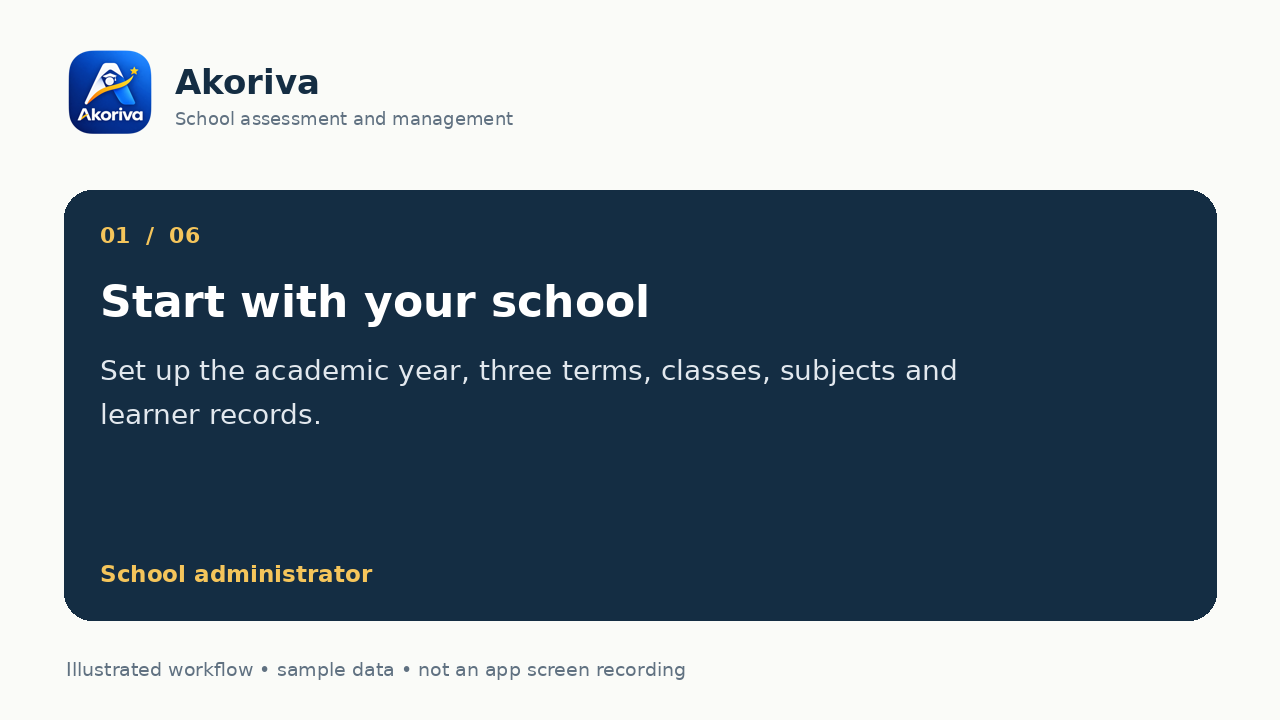
Register an eligible school, add classes and learner records, then invite your teachers.
Assign classes and subjects. Teachers enter SBA out of 30 and examination marks out of 70 for approval.
Prepare report cards and enable parent access for linked learners. Families use their own email and password.
Eligible schools receive a 7-day trial. A subscription is required afterward; existing school data is retained.
Try the workflow
Try SBA and examination scores, then follow an illustrated school workflow with sample data.
Frequently asked questions
Akoriva is school assessment and management software for Ghanaian basic schools. It connects administrators, teachers and families through school-controlled workflows.
Class Score (SBA) contributes 30 marks and the End-of-Term Examination contributes 70 marks, for a total of 100 marks.
The current basic-school workflow covers Basic 2 to Basic 9, with separate academic terms.
Yes. School administrators invite teachers and assign classes and subjects. Teachers work through their own accounts.
Yes. Schools can enable controlled portal access for linked parents and guardians.
Each eligible school receives a 7-day trial. Subscription payment is required when the trial ends. Existing school data is retained.
A clearer school day starts here
Bring your school together with Akoriva.